- What lean office is
- Wastes in the office
- Example: a 10-day purchase request
- The link between queue and lead time
- Where lean office is usually applied
- How to apply it: step by step
- Tools that work well in an office
- Lean office, lean manufacturing and automation
- Common mistakes
- Next step
- Frequently asked questions
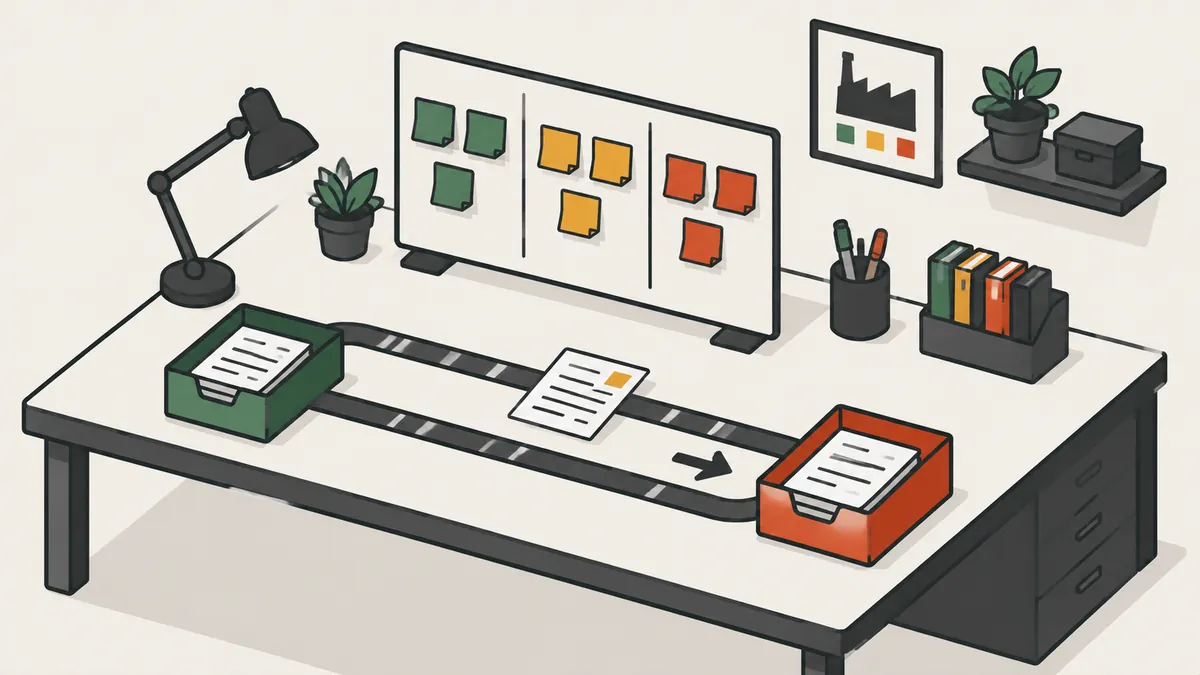
What lean office is
Lean office applies lean thinking to administrative and service processes: purchasing, invoicing, customer service, data entry, HR, engineering changes. What changes is what flows. Instead of parts, the flow carries requests, documents, approvals and information.
The Lean Enterprise Institute defines a value stream as all the actions required to bring a product from order to delivery, including processing the customer's information. A good share of those actions happens in an office. The difference from the factory is that the work is invisible: there is no pile of parts to show the problem. That is why the first job of lean office is to make the flow visible.
The five lean principles apply without adaptation: define value from the customer's point of view, identify the value stream, make work flow without waiting, pull instead of push and pursue perfection through improvement cycles. The customer of a purchase request, for example, is whoever needs the item, and value to them is receiving the right item on time, without rework.
Wastes in the office
The classic lean wastes have direct equivalents in administrative work. The full list is in the 8 wastes of lean.
| Waste | On the factory floor | In the office |
|---|---|---|
| Defects | Scrap and rework | Data entry errors, invoices reissued |
| Overproduction | Parts made too early | Reports nobody reads |
| Waiting | Idle operator | Document sitting in an inbox waiting for approval |
| Non-utilized talent | Skills not used | Specialists doing manual data entry |
| Transportation | Material going back and forth | Emails and files passed through people who add nothing |
| Inventory | Piles between operations | Full inbox, backlog of open requests |
| Motion | Searching for tools | Searching for files in disorganized folders |
| Extra processing | Tolerances tighter than needed | Retyping the same data into two systems |
In practice, three wastes account for most of the problem: waiting, rework and extra processing. Waiting is usually the biggest because every handoff creates a queue. Rework appears when information arrives incomplete and goes back for correction. Extra processing comes from approvals and controls nobody remembers the reason for. When you find one of these, ask which real requirement it protects.
Example: a 10-day purchase request
Illustrative example. Follow a purchase request from start to finish. The process has six steps and takes 10 working days, or 80 working hours, on an 8-hour day. The actual touch time in each step is:
| Step | Touch time (h) |
|---|---|
| Request | 0.5 |
| Manager approval | 0.5 |
| Supplier quotes | 1.5 |
| Finance approval | 0.5 |
| Purchase order issued | 0.5 |
| Supplier confirmation | 0.5 |
| Total | 4.0 |
Process cycle efficiency = touch time ÷ lead time = 4.0 ÷ 80 = 5.0%. The other 76 hours (95.0%) are waiting.
Now two changes. Purchases below a set amount skip the manager approval (minus 0.5 h), and a standard quote template cuts that step from 1.5 h to 1.0 h. Touch time falls to 3.0 h. With the queue under control, lead time drops to 40 hours (5 days). New efficiency = 3.0 ÷ 40 = 7.5%. Lead time fell 50.0% and waiting went from 76 h to 37 h.
These numbers form the minimum dashboard for the process:
| Metric | Before | After |
|---|---|---|
| Lead time | 80 h (10 days) | 40 h (5 days) |
| Touch time | 4.0 h | 3.0 h |
| Waiting | 76 h (95.0%) | 37 h (92.5%) |
| Process cycle efficiency | 5.0% | 7.5% |
Notice that efficiency stays low even after the improvement. That is normal. In administrative processes, touch time is rarely more than a small fraction of lead time, and that gap is exactly the opportunity.
The link between queue and lead time
Why did lead time drop by half? Because the queue shrank. In a stable system, the relationship known as Little's law holds:
Lead time = work in process ÷ completion rate
In the example, the team completes 6 requests per day and keeps 60 requests open. Lead time = 60 ÷ 6 = 10 days. If the work-in-process limit is 30 requests, at the same rate: 30 ÷ 6 = 5 days. Nobody had to work faster. The team simply stopped opening more work than it can finish.
It is the same logic as kanban: an explicit limit per person or step, and a new item enters only when another leaves.
Two cautions. The relationship holds for averages over a stable period, not for an unusual day. And the limit must be realistic: if it is too low, people sit idle and the waiting moves outside the team. Start slightly below the current queue and adjust every week based on the lead time you observe.
Where lean office is usually applied
| Area | Typical waste | Common action |
|---|---|---|
| Purchasing | Duplicate approvals and quotes redone | Clear approval limits and a quote template |
| Invoicing | Invoice reissued because of wrong data | Checklist at order entry |
| Sales | Proposal built from scratch for each customer | Standard templates by service type |
| HR | Onboarding documents requested several times | One document package and a flow with deadlines |
| Customer service | Tickets sitting without an owner | Visual board with an owner and due date per ticket |
In every case the starting point is the same: pick one flow, follow one real request and separate touch time from waiting time.
How to apply it: step by step
- Choose one process with a clear customer and frequent complaints, such as purchasing, quoting or onboarding.
- Follow a real request from start to finish, at the office gemba (gemba walk), noting every step, every wait and every person involved.
- Map the flow with value stream mapping, counting items in the queue of each step and the actual touch time per document.
- Eliminate what adds nothing first, such as duplicate approvals and reports without readers.
- Standardize templates, checklists and approval rules.
- Limit work in process and make the queue visible on a board.
- Measure again in a PDCA cycle and only then replicate.
How to follow a request without turning it into policing
Mapping only works if people trust you. Explain that the target is the process, not the person doing it. Ask each person to show how the work is really done, not how the procedure says it is done. Write down the shortcuts and workarounds: they almost always point to a badly designed step. Give the map back to the group and let them propose the changes. Improvement imposed from above rarely survives the first busy week.
Tools that work well in an office
- Digital 5S: standard folder structure, standard file names, periodic cleanup.
- Visual management: a board with the queue of requests by step and the age of each.
- Standardized work: templates and checklists for repetitive tasks.
- Short daily huddle in front of the board, 10 to 15 minutes, to deal with whatever is stuck.
- A3 report: one page with the problem, the analysis and the plan, useful for change proposals in processes that cross departments.
A paper board on the wall, with a column per step and a card per request, is enough to start. It shows where the queue grows and which request has been stuck longest. Move to a digital tool only when the team already has the habit of using the board.
Lean office, lean manufacturing and automation
| Point | Lean manufacturing | Lean office |
|---|---|---|
| What flows | Parts and materials | Information, documents and requests |
| Where the problem is | Visible on the shop floor | Hidden in email and systems |
| Main measure | Cycle time, inventory | Lead time, queue, rework |
| Typical risk | Inventory hiding problems | Invisible queues and excess approvals |
A practical rule about automation: do not automate a bad process. If the flow has useless steps, software only makes the waste happen faster. Simplify first, automate later.
Common mistakes
- Starting with the tool (board, software) without mapping the process.
- Measuring individual productivity instead of request lead time, which encourages everyone to hide the queue.
- Cutting controls that protect against costly errors. Remove the approval that repeats another one, not the one that prevents fraud or serious mistakes.
- Optimizing one step and hurting the next. Always look at end-to-end lead time.
- Not involving the people who do the work in the redesign.
- Treating it as a project with an end date. Lean office is an improvement routine, not a one-off action.
Next step
Pick one process and follow five real requests. Note the start date, the finish date and the touch hours in each. Calculate the average lead time and the process cycle efficiency (touch time ÷ lead time). Almost always the math shows that most of the lead time is waiting. Pick the biggest wait and attack it first.
Then set a work-in-process limit for the team and put the queue on a visible board. Review the numbers every week for a month. If lead time falls and rework does not rise, standardize the change and take the method to the next process.
Frequently asked questions
What is lean office?
It is the application of lean principles to administrative and service processes, where information and documents flow instead of parts.
Is lean office different from lean manufacturing?
The principles are the same. What flows and how visible the problem is are different, because office work is harder to see.
What is the biggest waste in an office?
Usually waiting: documents and requests sitting in queues and inboxes for approval or the next person.
What are examples of lean office?
Removing duplicate approvals in purchasing, standardizing proposals, limiting the queue of requests and organizing shared folders with 5S.
How do you measure lean office results?
With lead time per request, queue size, rework rate and process cycle efficiency, which is touch time divided by lead time.
Where should lean office start?
With one process that has a clear customer and a measurable lead time, following a real request from start to finish.
Does lean office need software?
No. A simple visual board and clear rules solve most cases. Automate only after simplifying.
Sources
- TAPPING, D.; SHUKER, T. Value Stream Management for the Lean Office. New York: Productivity Press.
- LOCHER, D. A. Lean Office and Service Simplified. New York: Productivity Press.
- Lean Enterprise Institute. Value Stream Mapping. Lean Lexicon. https://www.lean.org/lexicon-terms/value-stream-mapping/
- Lean Enterprise Institute. Waste. Lean Lexicon. https://www.lean.org/lexicon-terms/waste/
Want the tools ready to use?
Download the free "Problem Solving Kit" e-book, with PDCA, A3, 5 Whys and Ishikawa.
Download the e-book
About the author
Lean Manufacturing & Behavioral Management Specialist
Over 20 years in the automotive and metalworking industries (GM and Dana), Lean Manufacturing practitioner since 2006. SENAI instructor and mentor in Brazil’s Brasil Mais Produtivo program, delivering consulting, training and audits for 50+ companies, combining quality, productivity and people development.